Key takeaways
- The mobile browser is the safest default; only install an app from a link on the official site.
- Live casino video uses far more data than slots or sports betting.
- Fake APKs and phishing links in group chats are the biggest mobile risk.
- Lock your phone, wallet apps and gaming account separately.
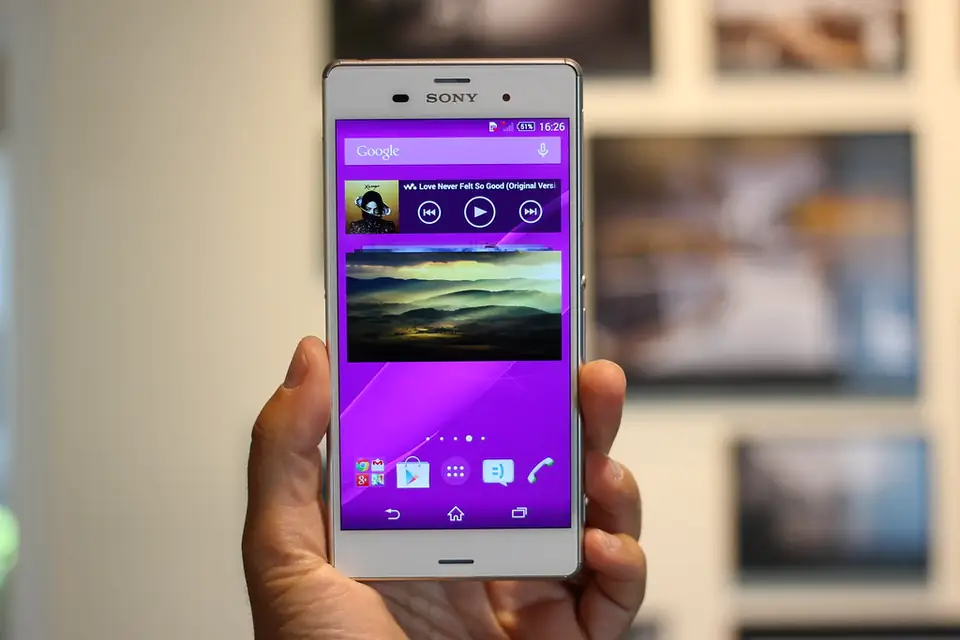
Most Filipino players use BET88PH on a phone — often on prepaid data, sometimes on a shared device. That makes mobile setup more important than any desktop tip. This guide compares app and browser, estimates data usage by game type, and covers the security steps that protect both your gaming account and your e-wallet.
App or mobile browser?
| Mobile browser | App | |
|---|---|---|
| Install needed | No | Yes |
| Fake-download risk | Low (if you type the address) | Higher if installed from chat links |
| Storage used | Minimal | Tens to hundreds of MB |
| Notifications | Limited | Yes — can encourage extra play |
| Updates | Automatic | Manual for sideloaded APKs |
Our default recommendation: use the mobile browser, add the real site to your home screen, and only install an app if the official site itself links to it.
Spotting a fake BET88PH APK
An Android app installed outside an official store is called an APK. Fake ones are a common way to steal SMS one-time PINs and e-wallet logins. Warning signs:
- You received the link in Messenger, Telegram, Viber or SMS rather than on the official website.
- The app asks for permission to read SMS, act as an accessibility service, or draw over other apps.
- The file name or developer doesn’t match the brand, or the app is much smaller or larger than described.
If you installed something suspicious, uninstall it, change your passwords from a different device, and alert your wallet provider. Our safety checklist covers more scam patterns, including phishing links that imitate login pages.
How much data does BET88PH use?
Exact numbers vary by video quality and game, but as a rough guide:
- Sportsbook and pre-match betting: light — mostly text and small images.
- Slots: moderate on first load (game assets), lighter afterwards.
- Live casino: heavy — streaming video can use hundreds of megabytes per hour. Lower the video quality in the table settings if you’re on prepaid data.
Use Wi-Fi you trust for live tables, and avoid logging in on public Wi-Fi in malls or cafés without checking you’re on the real site.
Lock everything separately
- Phone screen lock (PIN or biometrics).
- Separate MPIN on GCash or Maya — never the same as your phone PIN.
- A unique gaming account password plus two-step login if offered — see multi-factor authentication.
On a shared phone, always log out and don’t let the browser save your password.
Battery, notifications and healthy habits
Live video drains batteries quickly. More importantly, push notifications about promos are designed to pull you back in. Turn them off and use the session timers described in our responsible gaming guide. Ready to fund your account from your phone? Follow the GCash and Maya guide. Want to know which live tables are worth the data? See the live casino guide.
Frequently asked questions
Is there an official BET88PH app?
Availability changes. Only install an app if the official website links to it directly — never from a chat or SMS link.
Why does BET88PH use so much data?
Live dealer games stream video. Lowering the stream quality or using Wi-Fi reduces data use significantly.
Keep reading
- Is BET88PH Safe? A 12-Point PAGCOR & Account Security Checklist
- BET88PH Deposits & Withdrawals: GCash, Maya and Bank Transfer Guide
- BET88PH Live Casino Guide: Baccarat, Roulette and Blackjack Basics
AI-assisted content disclosure: This article was drafted with the help of AI writing tools, then reviewed, fact-checked and edited by Alfredo Relampagos. Rules, payment options and promotions change — always confirm current details on the operator's own pages and with PAGCOR. 21+ only.